





Connect remote to LED
How to connect the remote control to LED setup:
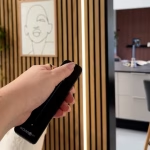
Watch the following video for a step by step guide of connecting your remote control.
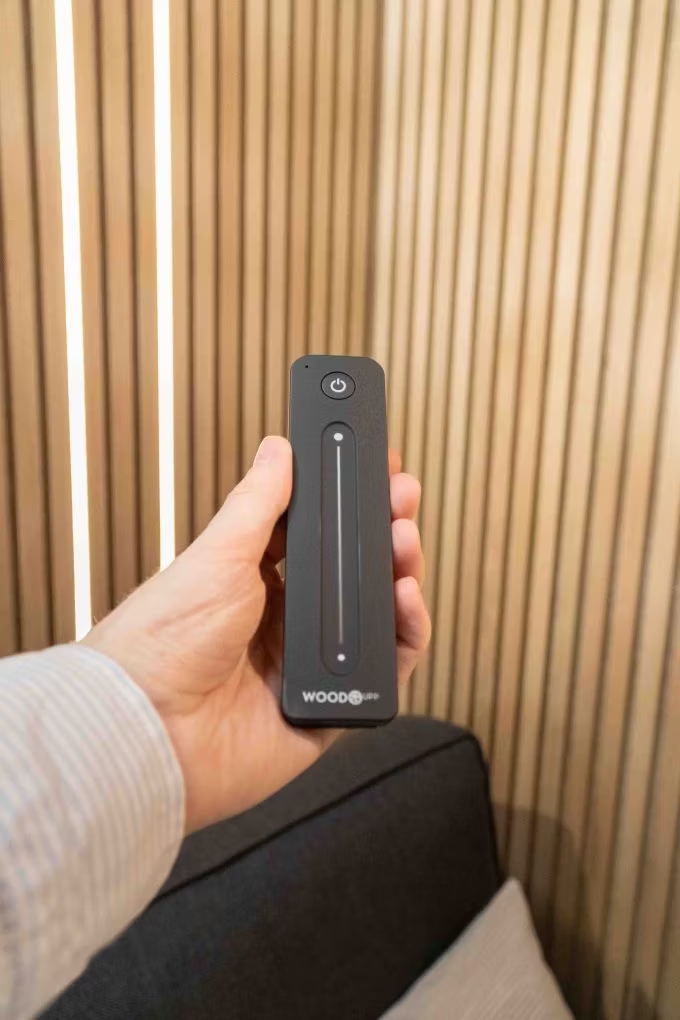
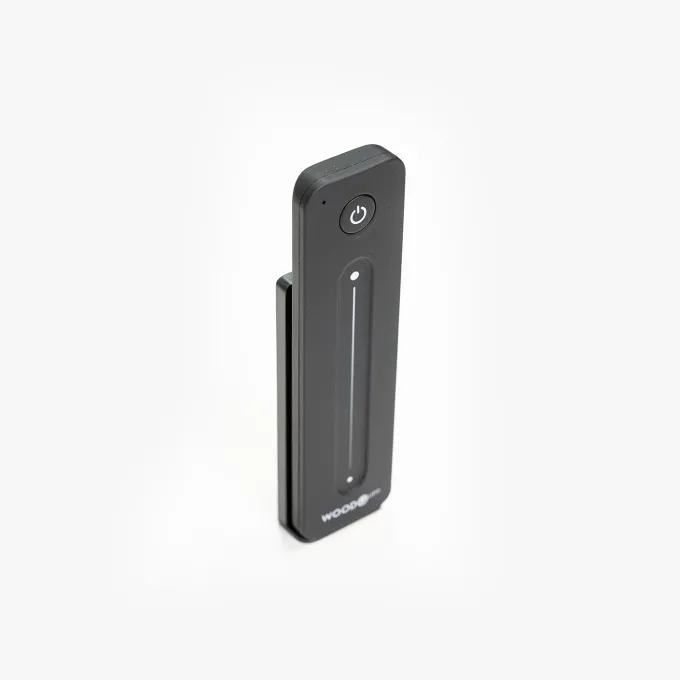
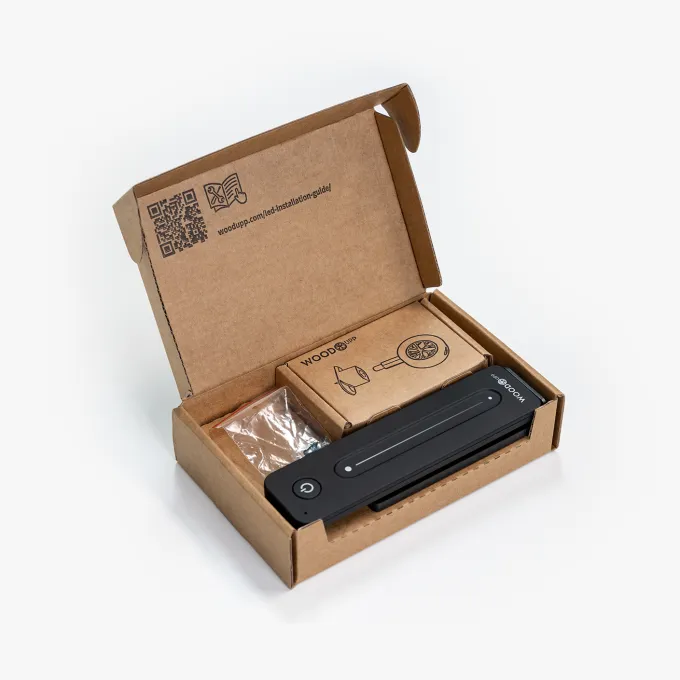
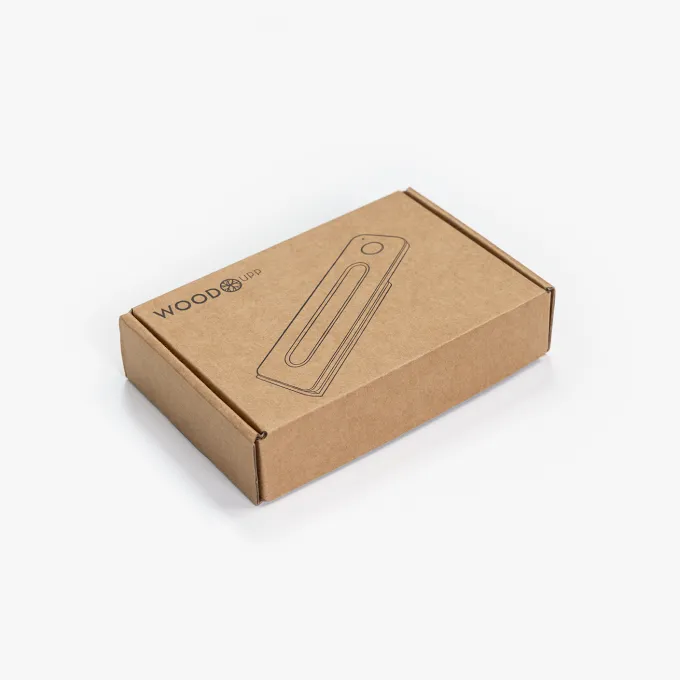
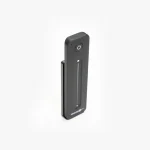
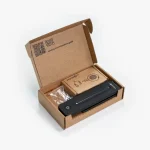
Remote package contains:
- 1 pc. remote control
- 1 box w. WoodUpp Zink bracket
- 1 bag w. 2 phillips screws (M5-10mm) for use in mounting the backplate for the holder on the remote control of your zinc bracket.
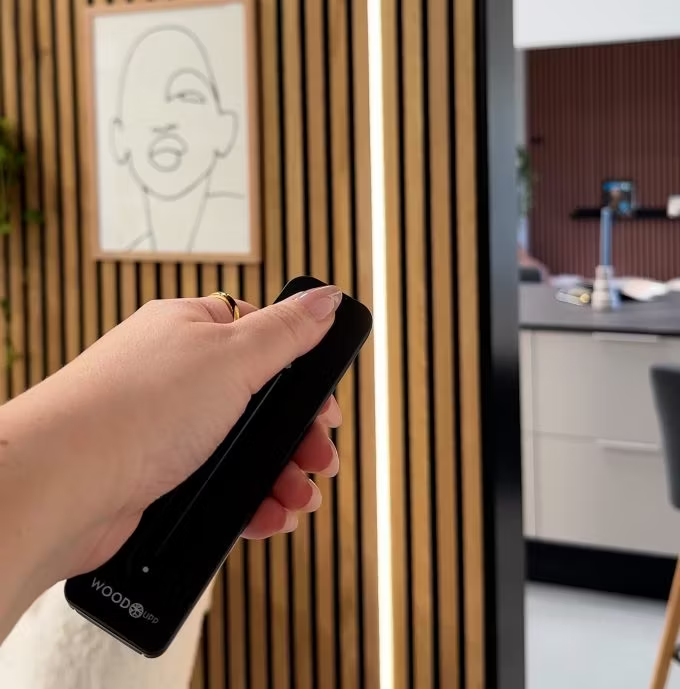
Connect by clicking the button on the driver once. The blue light on the driver will start blinking. This means it’s ready for a remote connection. Click the on-button on the remote once. The lights should stop flickering and the connection has been made.
Product reviews

Francesca H.
 Verified customer
Easy to pair
1 month ago

Lumi Remote for LED Striplight

Jay B.
Verified customerLED strips are Very dim even at highest brightness setting
2 months ago
Lumi Remote for LED Striplight

Erik R.
Verified customerAwesome feature for the lights
2 months ago
Lumi Remote for LED Striplight

Roger B.
Verified customerThe remote is not great. You can use EITHER the remote OR the Tuya app but not both to control the lights. The zigbee remotes, dimmers and switches in the Hue system are far superior.
2 months ago
Lumi Remote for LED Striplight

AARON
Verified customer
2 months ago
Lumi Remote for LED Striplight

Mile B.
Verified customergreat functionality
4 months ago
Lumi Remote for LED Striplight